


Aurevia Memory Orb™
Aurevia Memory Orb™
Couldn't load pickup availability
✨ Turn Everyday Moments Into a Display Piece
🗣️ Elegant Display That Sparks Conversation
🎁 Gift-Ready Packaging — No Wrapping Needed
DESCRIPTIONS
DESCRIPTIONS
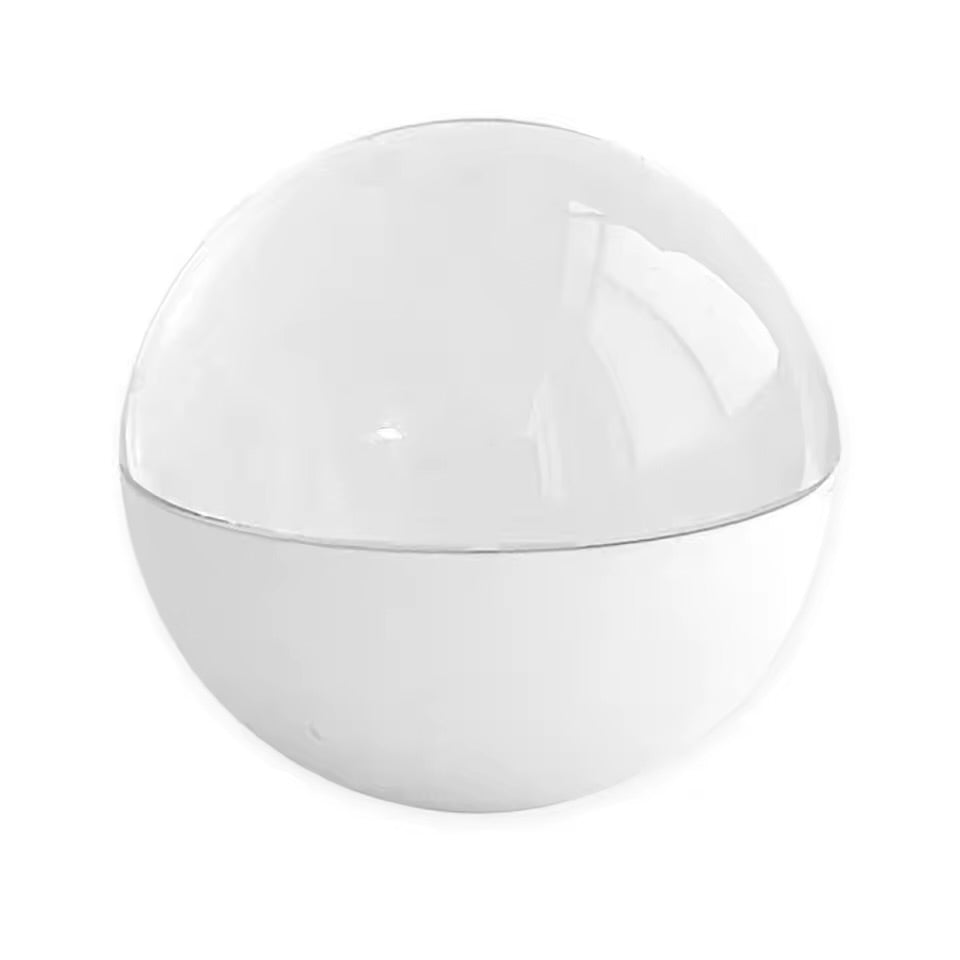
The Memory Orb holds your favorite memories in the palm of your hand — a vivid 480×480 display and built-in speaker bring them back to life in light and sound, with nothing more than a simple press. It’s not just a picture. It’s the moment, glowing back at you.
Made from glass and ABS plastic, the Orb is built to feel as timeless as what it holds — smooth, weighted, made to be picked up again and again. With 4GB of onboard storage and a 2–4 hour battery life, it’s always ready when you need to feel close to someone, or something, again.
Hold onto what matters. Hold Aurevia.
Specs:
• 480×480 HD display
• Built-in speaker, simple one-touch controls
• Glass + ABS plastic construction
• 4GB internal storage
• 800mAh battery — 2–4 hrs playback
HOW TO USE
HOW TO USE
1. Charge it up — Connect via USB-C and charge to full (2-4 hrs of playback per charge).
2. Load your memories — Plug into your computer via USB cable, then drag & drop your videos (MP4) and photos (JPG) onto the Orb — no app or software needed.
3. Power on — Press the power button and your first memory lights up on the 480×480 sphere display.
4. Play & switch — Tap to play/pause. Use the button to skip between videos, photos, and songs in your collection.
5. Adjust the volume — Turn the dial to set your sound level — enjoy 360° surround audio with every clip.
6. Relive it anytime — No wifi, no app, no login. Just open it, watch, and listen — your memories, always with you.
SHIPPING & DELIVERY
SHIPPING & DELIVERY
Orders are typically processed within 1–5 business days.
Delivery times vary by location, but we’ll keep you updated every step of the way.
Once your order ships, you’ll receive a tracking number via email or Sms




Why choose Aurevia
| Us | Others | |
|---|---|---|
4GB Storage |
||
90-Day Guarantee |
||
Plug & Play No App required |

Where memories come alive
The Aurevia Memory Orb™ isn’t just storage — it’s a way to hold on to the moments that matter most. Each orb is crafted to let your memories shine in light and sound, so you can relive the feelings you never want to lose.
REAL ROUTINE REAL RESULTS
-

Perfect gift for wifey
I put some of our favorite videos together on the Orb for my girlfriend. She had no idea and it honestly made her cry. ❤️
-

My dog loves it
My dog actually watches himself on the Orb 😂 I put some of our old videos on it and now he sits there staring at it.
-

My Cat Watches Herself 😂
put some videos of my cat on the Orb and she actually sits there watching them. It’s so funny
-

I Want To Remember These Moments
My dog is getting older, so I’ve been saving all my favorite videos. I’m really glad I have these memories.
-

My Favorite Videos Of Him
I love it I have so many random videos of my dog. Seeing them on the Orb just makes me smile every time.
-

My Kids Love Watching This
My kids keep asking me to play our old videos on the Orb. They think it’s the coolest thing
-

I Didn’t Realize How Many Memories We Had
We put some of our favorite family videos on it and now everyone wants to watch them together.


FAQ
How much storage does it have
Each orb comes with 4GB of storage, enough for several short videos or a handful of longer ones.
Can I play audio through the orb
Yes. It has a built-in speaker so your videos play with sound.
Can I update or replace the videos later?
Yes, you can easily delete old videos and add new ones anytime by reconnecting to your computer.
How do I upload videos to the Memory Orb
Easy-to-follow instructions are included right in the box. If you ever need extra help, feel free to reach out to us, we’ll guide you step by step.
Can I switch through the videos
Yes! Each device comes with a control button located on the back. With it, you can:
- Switch through videos or images
- Turn the volume up or down
- Pause and play
- Power the device on or off